Powerable Objects
10/14/26


There is now a system for objects to be powered easily by other objects
In both clips you can see an interaction activating other objects, this is all done genericly so it is made very easy to sub out other objects to be powered instead. Within objects like the button or the switch that is being pulled on, once they have been activated they will move through a list of objects that have been connected to it, and run all of the generic power functions connected to them. These can be modified in the room builder to custom make each switch and button activate a different object each time they need to be used.
The wire in these clips is just a visual trick and is actually being powered by the button as well. At first I started to make it so the wire would need to be powered, and that would power every object along its path but this proved to be extremely annyoing to set up every time I wanted to use a button. This makes things easier to set up in the future.
Boxes

Boxes have now been added using the motion adding code.
The only part that needed to be changed was modifing current player motion code. Before this the player would check for any water before moving and not move over it, but now they will check if the location has a box, and if there is they can walk on water.
The boxes also get effected by the player hitting them and pulling them with the fishing rod, it has let me build a few interesting puzzles where the player needs to get to different positions to be able to pull the boxes across a gap.
Generic Motion Math

Small update about how you can now knock stuff around
Implementing this into an existing movement code, but now we have it setup. What this is doing is just maintaining a list of all current motion being applied to it from outside of its own code. A generic function exists for each item that can make it easy to add motion, and lets me change what happens when I add motion. I can use this now to have some enemies resist being pulled on by the player or lets the player knock a moving enemy off course.
To make the feeling of pulling on something a bit more accurate, I have added the ability to move your mouse to one side or the other while pulling to offset the location that the object is pulled towards. Currently you can see the true location the object is being pulled towards by the small cicle near the player in this gif.
Grass Effects and Numeric Springing
2/22/23
Relevant Links:
Numeric Springing Math - Allen Chou
Alternate Example of Grass - JP Kotze
Implementing Numeric Springing in GMS2 - Bless Hay Gaming
Posted: 2/22/23
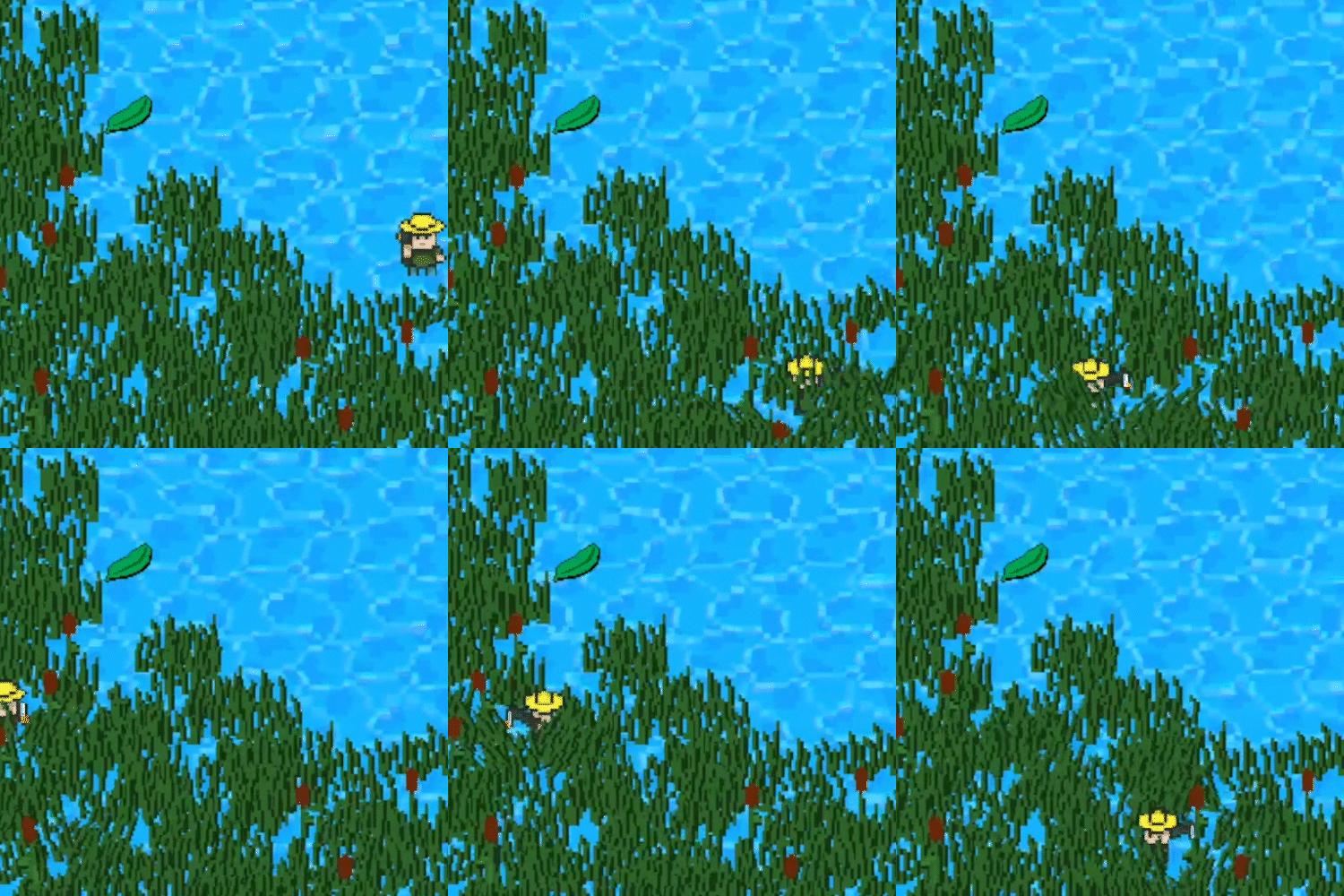
When I was trying to create the effect above, I found a lot of the resources VERY confusing, so im going to try to explain how this works in a way that I understand it.
The name of the technique used for this effect is called Numeric Springing. --Effectivly you are passing the current value, the target value, and the speed it will use to get there. For example, if you wanted to have an item bounce as it moves, simply set the target location as the location it should move to, then every time the script runs it will move it closer to the target and have it overshoot the target and bounce depending on your parameters.
This can be used for nearly everything, because the actual math only requires one value to change you can use this to have a wiggly rotation, sliding movement, even clothes. In my example, i am taking advantage of this by having slightly different math to distort the sprite for x and y values, making the distortion less when the player is above or below the sprite. I plan to use this effect for all grass/plants, and to add some simple aditional animation to enemy bullets and enemy animation.
If you are interested in the full math behind this effect you can check out the top link above. If you want to see another version of this effect check out the second link, and in the third link there is a video showing the code for this in GMS2 (the program my project is coded in as well)